 AiThao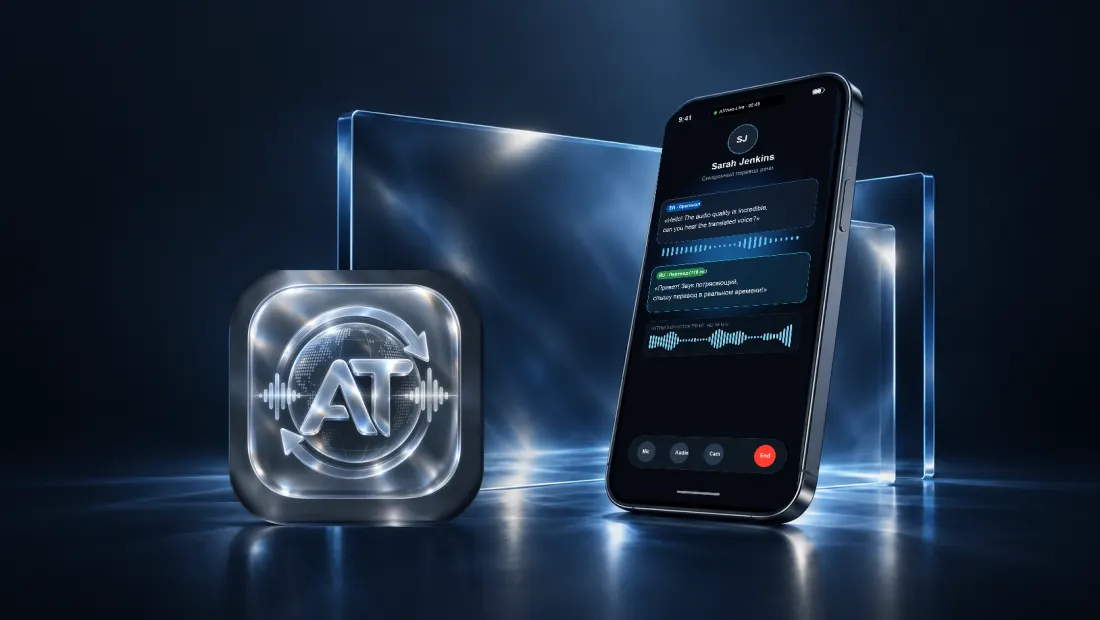
Write to support@aithao.com — in English, Russian or Vietnamese. Include your AiThao Number (Settings, under your name) and, if something went wrong, roughly when it happened. There is also Settings → Help → Report a problem in the app, which attaches your build and device automatically.
Common questions
How do I add someone?
Contacts → +, then their AiThao Number, or scan their QR code. Your own number and QR are in Settings under your name.
Why is a message shown in a different language?
AiThao translates into the language you set. The original is always kept — tap a translated message to see the words that were actually written.
How do I change the language I read in?
Settings → Translation. That is what your contacts' messages are translated into. Settings → Design → App language changes the app's own interface, which is separate.
A call did not translate.
Translation on a call has to be switched on for that call, and it uses minutes. If minutes ran out, the call continues untranslated. Tap the status line on the call screen to see what the network and the translation are doing.
I ran out of minutes.
Ordinary chats and calls stay free and are never metered. Translated calls and translated voice messages use minutes; you can buy more in Settings → Translation.
How do I cancel a subscription?
Subscriptions are billed by Apple, so they are cancelled on the device: Settings app → your name → Subscriptions → AiThao. Cancelling stops the next renewal; the period you already paid for runs to its end. Refunds are handled by Apple, at reportaproblem.apple.com.
I got a new phone.
Sign in with the same Apple or Google account, with your email address, or with the recovery code you saved. All three are in Settings → Account before you switch, and on the first screen after you install.
How do I delete my account?
Settings → Account → Delete account. It is irreversible. What is erased and what remains is described in the Privacy Policy.
Someone is bothering me.
Open their profile and use Block or Report. Blocking stops messages and calls in both directions; a report reaches us and we act on it.